Tap to Pay on iPhone

Accept contactless payments right on your iPhone.

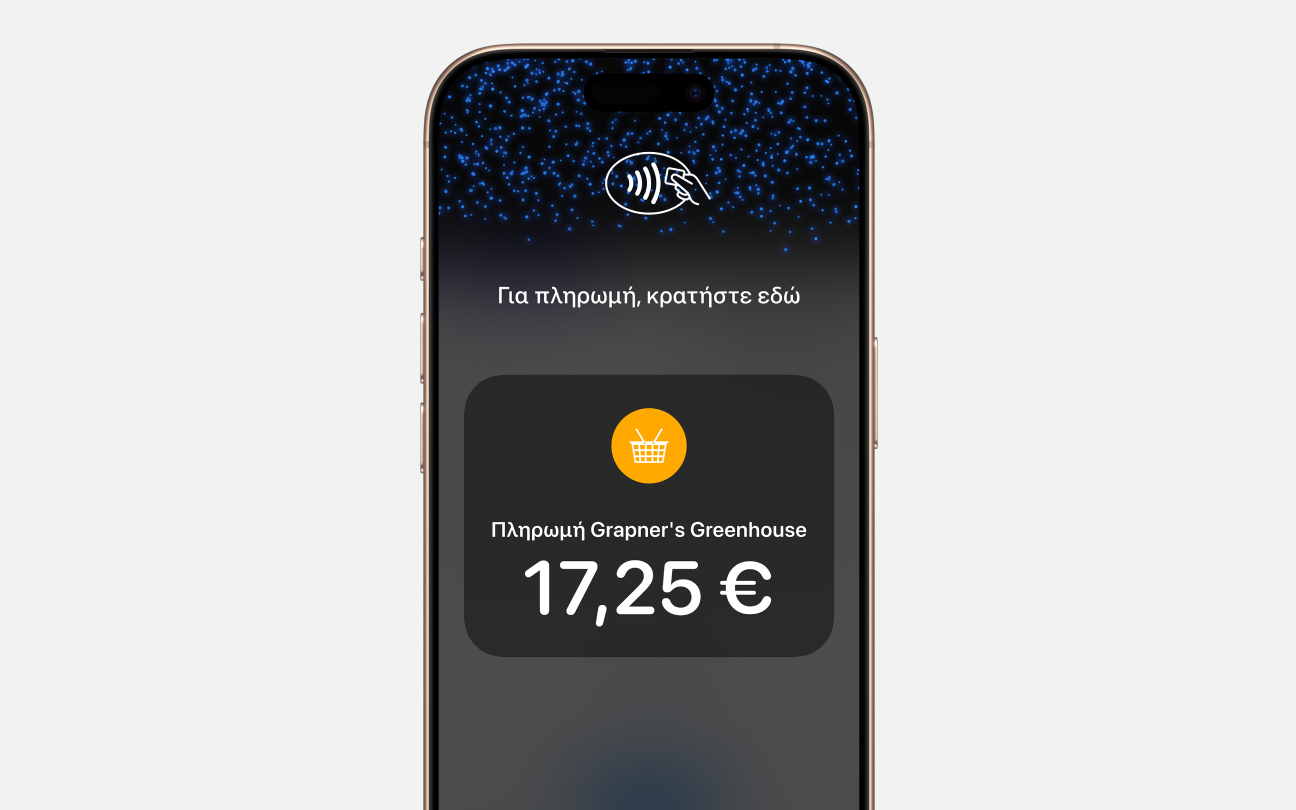
Tap to Pay on iPhone is now available with the NBG tom app. That means anyone can accept all types of in-person, contactless payments — from physical debit and credit cards to Apple Pay and other digital wallets. It’s easy and secure, and no additional hardware is needed. All you need is iPhone.
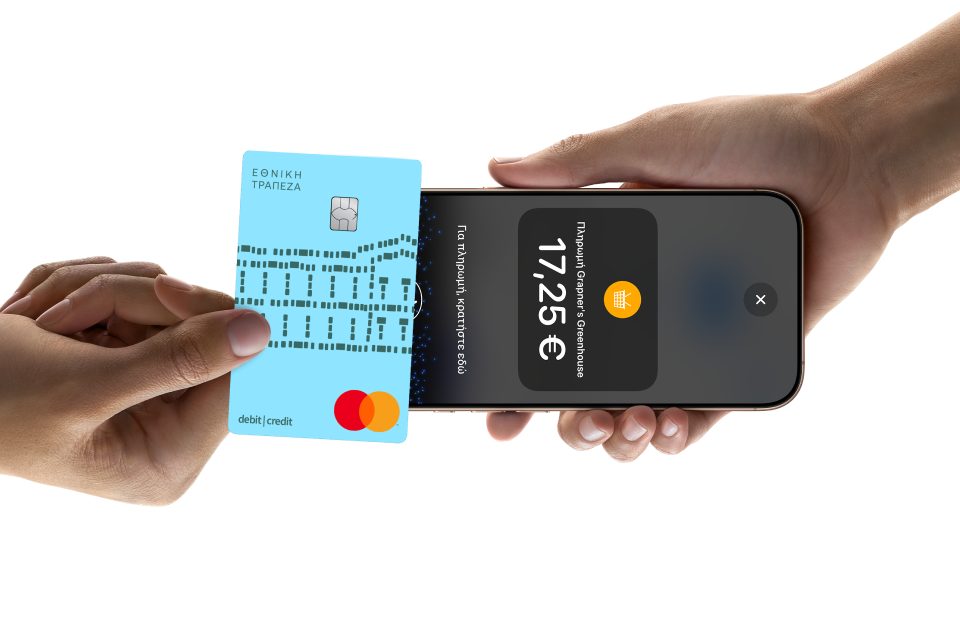
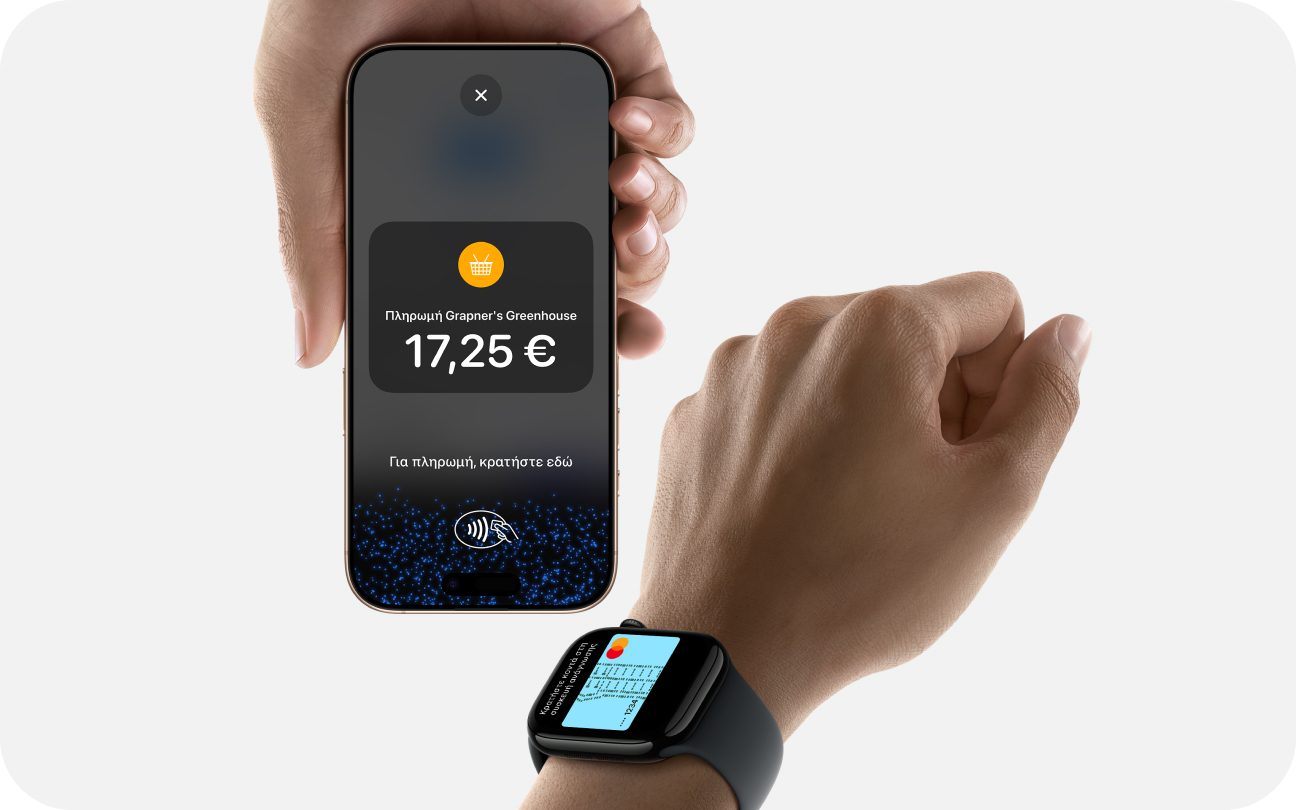
MT_TTPOI_hero
MT_TTPOI_img1

Expand where you do business

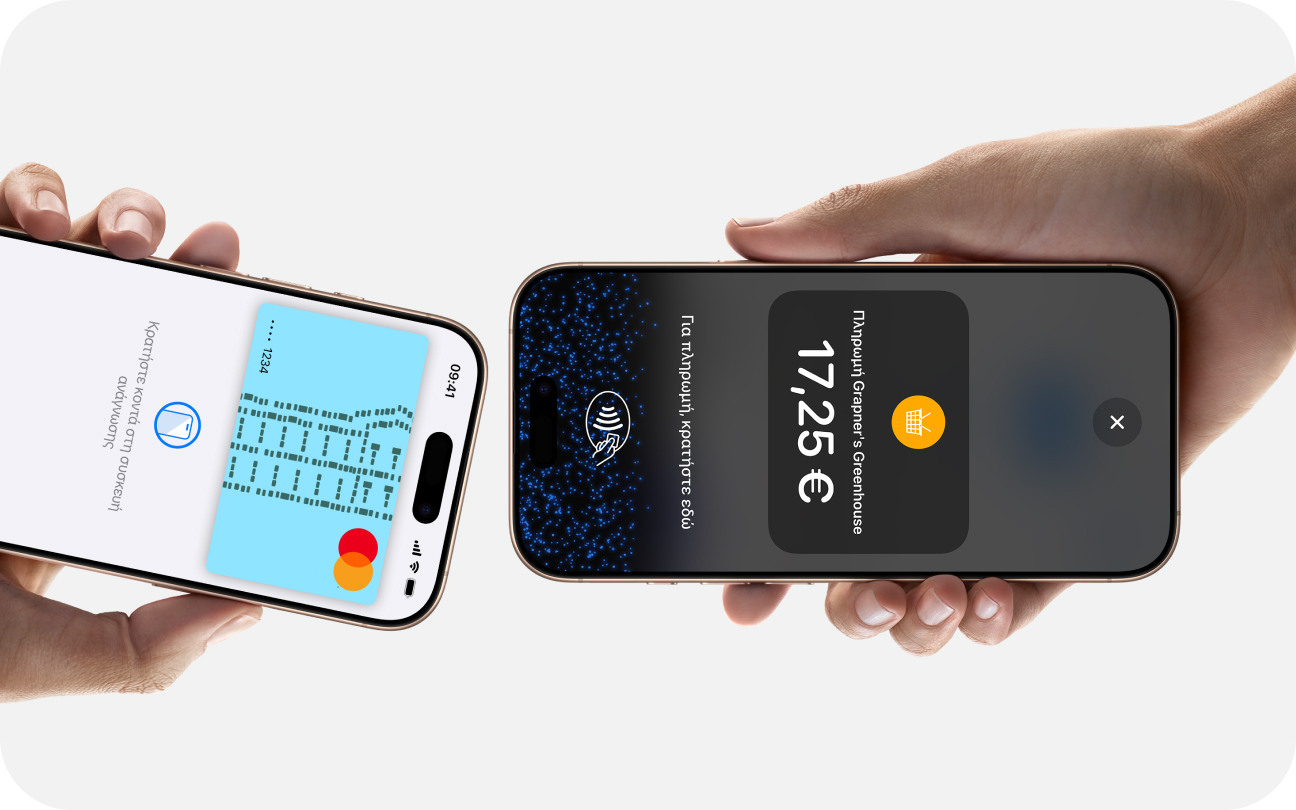
With Tap to Pay on iPhone, anyone can do business in more places simply by accepting contactless payments on iPhone. The checkout experience makes it easy to reach new customers, take payments on the go, and explore new ways of working to help reduce queues. All you need is iPhone and the NBG tom app.
MT_TTPOI_img2

No additional hardware

There’s no need to invest in and manage card readers and terminals, so Tap to Pay on iPhone makes it simple to start a new business or expand a current one. With just an iPhone and the NBG tom app, anyone can accept contactless payments. It’s that simple.
MT_TTPOI_img3

Privacy and security built in

Tap to Pay on iPhone uses the built-in security and privacy features of iPhone to help protect your business and customers’ data. When a payment is processed, Apple doesn’t store card numbers or PIN information on iPhone or on Apple servers. So merchants and customers can rest assured that their data stays theirs.
MT_TTPOI_img4

PIN transaction protection

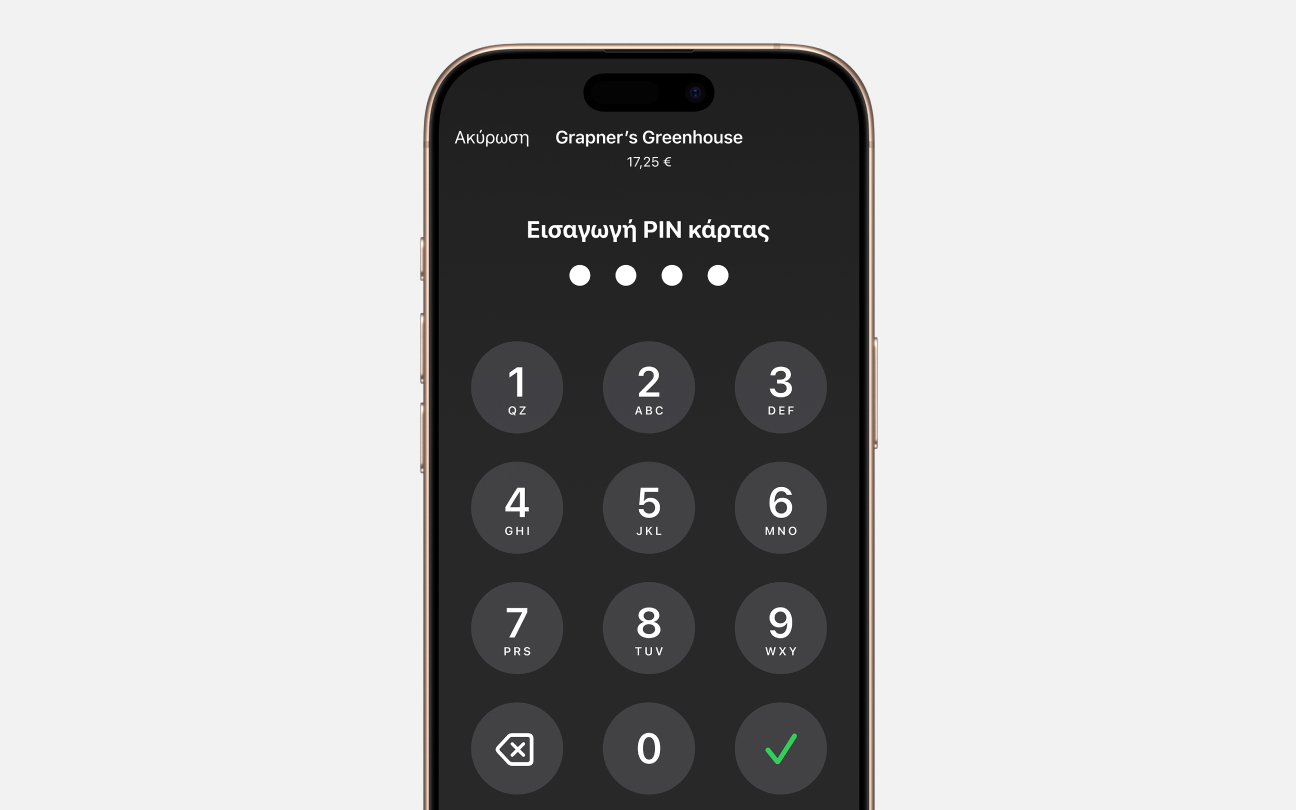
Transactions that require PIN entry will automatically prompt a PIN entry screen when using Tap to Pay on iPhone. When that screen appears, Tap to Pay on iPhone is designed to prevent apps in the background from reading sensors that could give away any part of the PIN. When a payment is processed, Tap to Pay on iPhone is designed to prevent all photo, video, screenshot and screen-recording features on the merchant’s iPhone from capturing a customer’s card number or PIN information.
HU_TapToPay_banner5

Accessible for everyone

For customers needing visual or other assistance, accessibility options are built into Tap to Pay on iPhone to help them securely enter PIN information. Audible instructions guide customers to draw their PIN on the screen or tap the screen to indicate each digit — tapping once for 1, twice for 2 and so on. To submit their PIN, they simply swipe right with two fingers.

It’s easy to get started

Download the NBG tom app

Complete sign-up information

Accept in-person, contactless payments — directly on iPhone

If you are interested in any of our services, fill out the form below, and we will contact you as soon as possible.

I agree to the Global Payments Terms of Use.*

Our Privacy Notice is available here.

Tap to Pay on iPhone requires a supported payment app and the latest version of iOS. Update to the latest version by going to Settings > General > Software Update. Tap Download and Install. Some contactless cards may not be accepted by your payment app. Transaction limits may apply. The Contactless Symbol is a trademark owned by and used with permission of EMVCo, LLC. Tap to Pay on iPhone is not available in all markets. For Tap to Pay on iPhone countries and regions, see https://developer.apple.com/tap-to-pay/regions.